
01ARTICLE
Published on
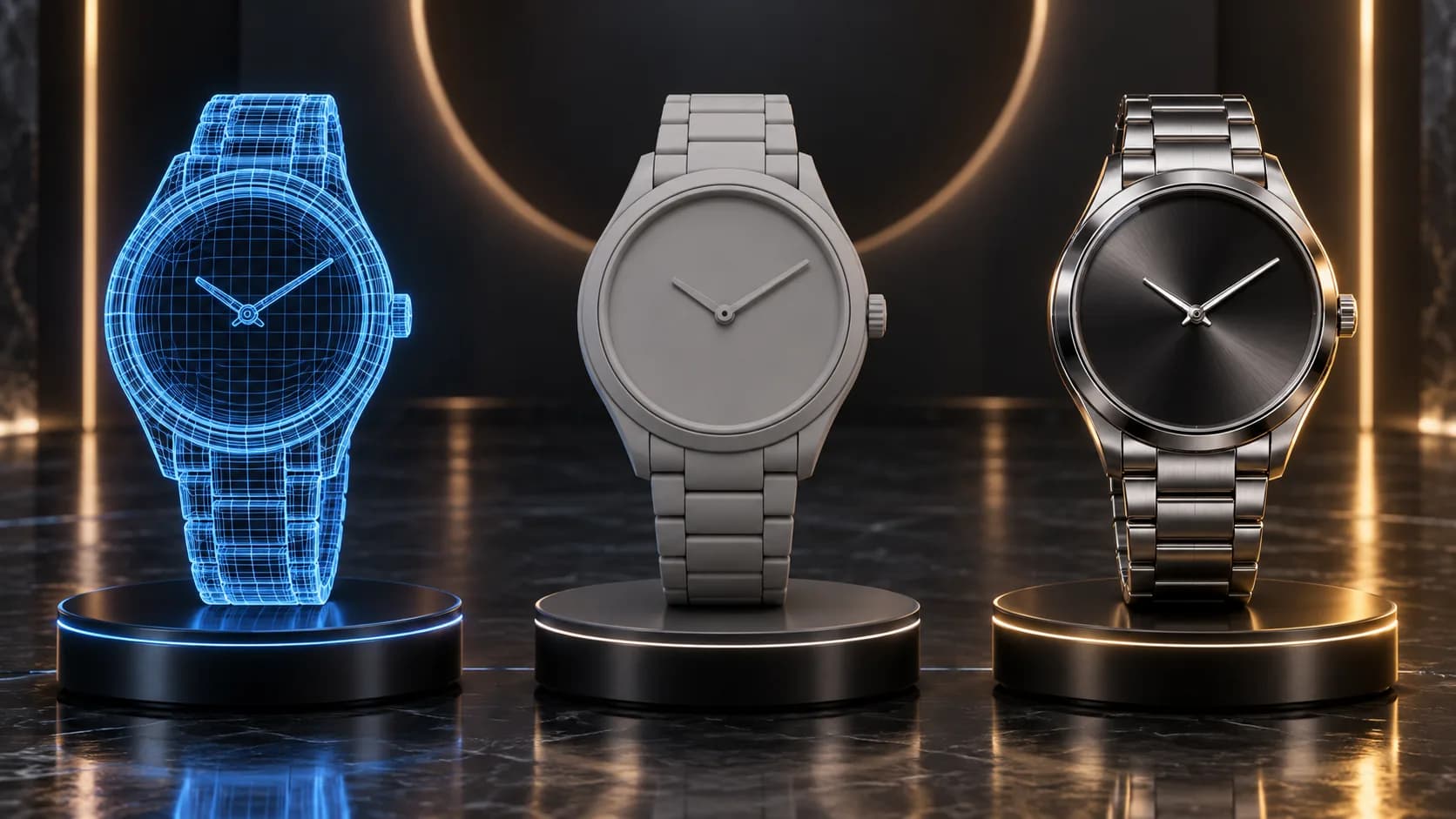
3D product animation cost depends less on how long the film runs than on how hard it is to produce what you see on screen. The deciding items are where the product model comes from, how complex the materials are (glass, metal, liquid), how much animation and simulation the film needs, the scene and environment, the camera work, the number of versions and formats, resolution and the scope of revisions. This piece explains how each item affects the price, without quoting figures, so you can read the quotes you receive with a clear eye.
You'll find the scope of the service and selected work on our 3D product animation page. For what this kind of film is and which products it suits best, see what is 3D product animation.
What decides the price of a 3D product animation?
The short answer: the complexity of the modelling, the materials and the motion. In 3D the camera can travel right inside the product, but in return every surface, reflection and movement has to be built by hand. The difference between a short film of a simple product turning on a studio backdrop and a launch film with glass, liquid and complex camera moves comes from that craft, not from the running time.
We covered the items that apply to any CGI job, such as scene count, level of detail and schedule, in our piece on CGI ad film pricing. Here we focus on what's specific to product animation.
The cost items at a glance
The table below lists the items that make up a 3D product animation quote, and what you can do to keep each one lighter.
| Item | What pushes cost up | What keeps it lighter |
|---|---|---|
| Model source | Only a few photos, unknown dimensions, modelling from scratch | Measured photos, packaging artwork |
| Materials | Glass, clear packaging, polished metal, gemstones, liquids | Matte surfaces, few materials |
| Animation and simulation | Flowing liquid, melting or breaking surfaces, fabric, particles, moving mechanical parts | Simple turns and low-motion shots |
| Scene and environment | Building a location or a product world from scratch | A studio backdrop or plain surface |
| Camera | Macro close-ups, long moves that travel inside the product | A small number of clearly defined shots |
| Versions and formats | Vertical, horizontal and square edits, several lengths, language versions | A channel list agreed up front |
| Resolution and delivery | High resolution for large screens and DOOH, files with transparent backgrounds | One resolution for one channel |
| Revisions | Out-of-stage changes, packaging updates arriving mid-production | Animation and final stages |
Which items grow the budget most?
In product animation, four items grow the budget more than the rest: the model source, materials, simulation and camera. All four come down to how closely, and for how long, the viewer will see the detail.
Where will the product model come from?
If there are only photos, the product is modelled from references, which means more expert time and more approval steps. Original artwork for labels and packaging keeps the product looking identical to the real thing in close-up. Our 3D product animation brief guide covers which product data to include in your brief.
Materials: why are glass, metal and liquid hard?
Surfaces that bend and reflect light take the most work. Refraction and reflection in glass and clear packaging, brilliance in gold and gemstones, and a surface that looks alive in liquids are what make them believable. These materials take more time both to set up and to render.
Animation and simulation
A simple product turn is not the same job as flowing liquid, a melting texture or mechanical parts that open and close with believable physics. Every shot that needs simulation means its own cycle of tests and renders.
Camera and scene
Macro close-ups and camera moves that travel inside the product call for finer detail in both the model and the materials. Designing a location or product world from scratch is also a separate modelling and lighting job compared with a studio backdrop.
The delivery package: versions, formats and resolution
A delivery package stays lighter when it's defined up front and gets heavier when it's added later. If the same film will run in vertical, horizontal and square frames, in several lengths or across channels from TV to in-store screens, put that in the brief so the framing and camera plans are built around it. These are the delivery items that come up most often:
- Framing: vertical for social, horizontal for TV and web, square for some placements.
- Length versions: short cut-downs and loop versions alongside the main film.
- Resolution: large-screen and DOOH deliveries need higher resolution than social files.
- Stills: if you also want e-commerce or campaign images rendered from the same 3D model, say so at the start. We look at what drives the budget for stills in our piece on CGI product image cost.
Examples from Clytech
Clytech is a CGI, FOOH and AI advertising studio based in Istanbul and London, and we produce product animation for sectors from food to jewellery. The projects below show how the items in the table come forward on different products.
Scentlinq 3D product animation. A 16:9 film for Scentlinq in which lighting, materials and camera moves were built around the product's form. The result is a cinematic product film the brand can use across its digital channels, and a good example of the materials and camera lines working together.
PROJECT VIDEO
Reis Kuyumculuk 3D animation. This film rebuilds the relationship between jewellery and light in a digital environment; reflections and brilliance across gold and stone surfaces were handled with meticulous CGI material work. It shows the level of care that demanding materials like polished metal and stone require.
PROJECT VIDEO
Larplast 3D animation film. Made for Larplast, this film communicates the brand's approach to design and precision through cinematic rendering and realistic motion, turning a technical subject into a story that's easy to follow. If your product needs a technical explanation, animation and camera planning sit at the centre of the quote.
Karmen chocolate in full 3D for Şok Marketler. In this vertical film, Karmen chocolate was brought to life entirely in 3D, with the product's texture, flow and appetising details rebuilt in CGI. Careful lighting and material work gave the chocolate a level of realism that would be hard to capture in front of a camera.
Frequently asked questions
How much does film length affect the price?
Length is a factor, but not the deciding one. A short film with liquid simulation and macro shots can take more work than a simple product turn that runs longer.
Can we reuse the model for later work?
A 3D model, once built, can be reused for new films, versions and campaign images, which lightens the modelling line on later projects. Delivery of source files and their terms of use are agreed at the quote stage.
Next step
3D product animation cost is shaped by your product's characteristics, so the most accurate answer is a quote built around it. Tell us about your product and what it's for (launch, e-commerce or advertising), and we'll come back with relevant examples. If you'd like, start with our company presentation.